
Create a Cloudflare API Token
1. Select the Workers Template
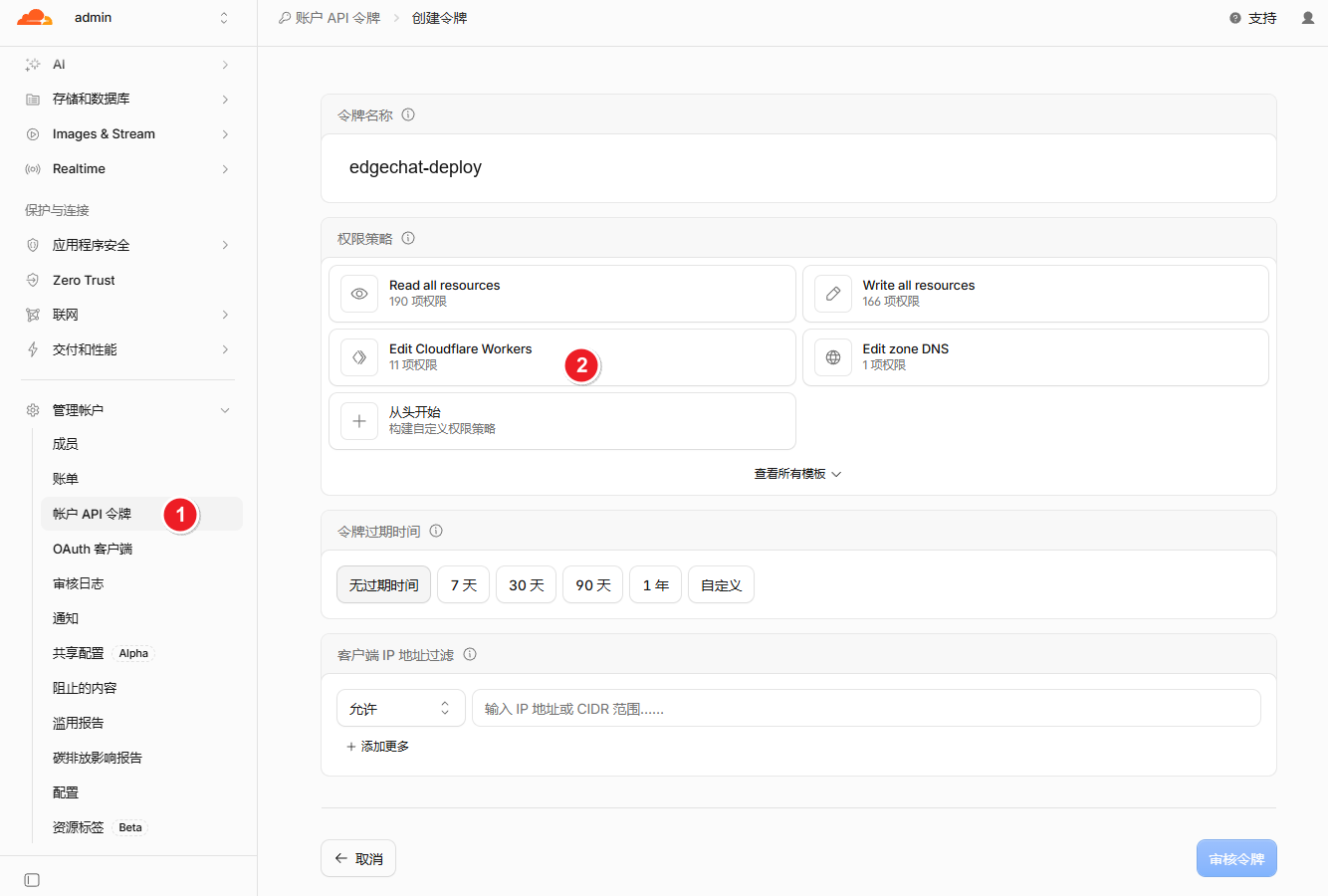
Open API Tokens, click Create Token, find Edit Cloudflare Workers, and click Use template.
2. Complete Permissions
Keep the template's preset permissions and add any missing edit permissions to the same token:
| Service | Permission |
|---|---|
| Workers Scripts | Edit |
| D1 | Edit |
| Workers KV Storage | Edit |
| R2 | Edit |
Use Add more for missing entries. Retain existing permissions, including Workers Routes. Follow release instructions for any additional services introduced later.
Keep R2 permission even if R2 is not enabled: the workflow uses it to check availability. Cron is deployed with the Worker and needs no separate Cron token permission.
3. Select the Account and Create
- Under Account Resources, select
Include → Specific account. - Select the deployment account and the relevant Zone for domain permissions.
- Click
Continue to summary → Create Token. - Copy the complete token into the GitHub Repository Secret
CLOUDFLARE_API_TOKEN.
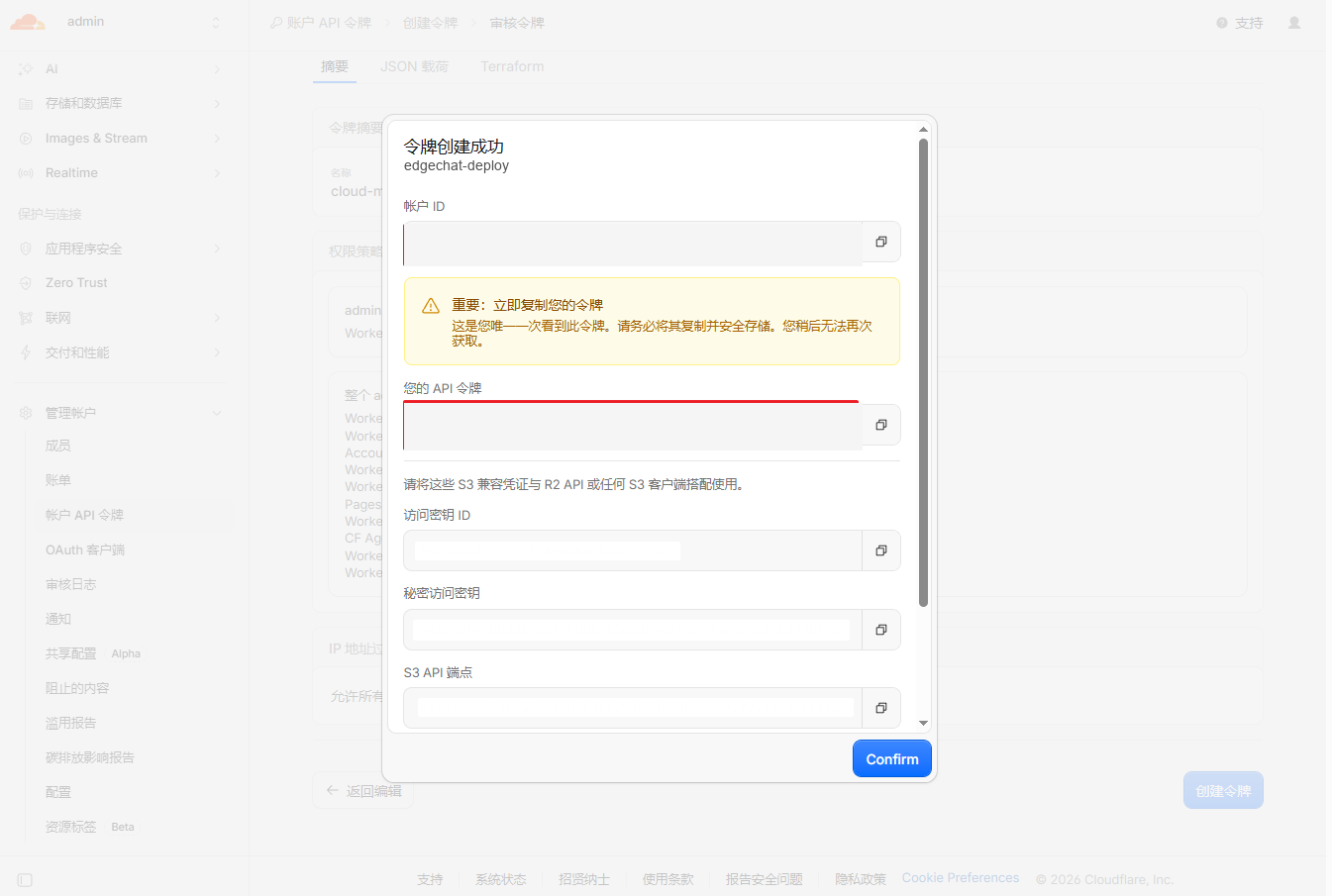
The full token is shown only once. Store it securely. Deployment does not use the S3 credentials shown on the result page.
4. Copy the Account ID
Copy Account ID from the account home page or Workers & Pages overview. Save it as the Repository Secret CLOUDFLARE_ACCOUNT_ID.
It is a 32-character hexadecimal string, such as 0123456789abcdef0123456789abcdef. Use the account's ID, rather than a domain's Zone ID.
Return to Getting Started to configure the repository.